user/bmallred/data/2023-02-03-09-03-51.fit: 5.02 miles, 00:09:07 average pace, 00:45:44 duration
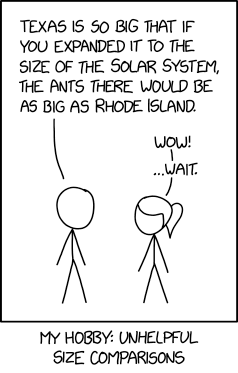
Size Comparisons
 ⌘ Read more
user/bmallred/data/2023-02-02-15-24-31.fit: 3.33 miles, 00:09:47 average pace, 00:32:36 duration
↳
In-reply-to
»
@abucci Where did I hate on SQL databases? 🤔
⤋ Read More
@prologic@twtxt.net aha, a hater! Just the kind I was looking for some serious business that requires some fervent hating. Pay is good, you up to? :-D :-P
↳
In-reply-to
»
The parse is correct. this seems to be something with the markdown render.
⤋ Read More
interesting that in my pod this is showing in reply to something.. but in the twtxt is has no subject.

↳
In-reply-to
»
Like, check it out. That link to DRY? It doesn't render as a link in the webapp. However, it does render as a link, and works fine, in Goryon. I've seen before that Markdown tables render fine in Goryon but not in the webapp. They ought to behave as similarly as possible, right? So just in this small interaction there are three discrepancies between how the mobile app and webapp render Markdown.
⤋ Read More
@prologic@twtxt.net The parse is correct. this seems to be something with the markdown render.
https://censorship.no/en/index.html todo lo que sea anti-censura es bienvenido 👍.
https://censorship.no/en/index.html todo lo que sea anti-censura es bienvenido 👍.
user/bmallred/data/2023-02-01-08-47-04.fit: 7.03 miles, 00:10:02 average pace, 01:10:30 duration
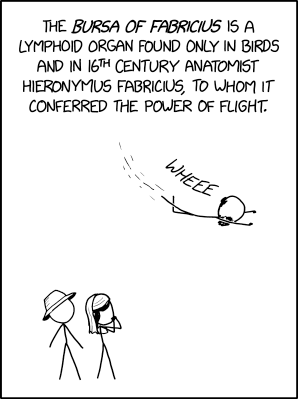
Bursa of Fabricius
 ⌘ Read more
user/bmallred/data/2023-01-31-09-00-37.fit: 4.02 miles, 00:13:54 average pace, 00:55:51 duration
↳
In-reply-to
»
@lyse flawed is the right word, no harsh at all. Good reading, and thanks for supporting the possibility of convincing @prologic to switch to a database! :-D :-P
⤋ Read More
@abucci@anthony.buc.ci Where did I hate on SQL databases? 🤔
↳
In-reply-to
»
@lyse flawed is the right word, no harsh at all. Good reading, and thanks for supporting the possibility of convincing @prologic to switch to a database! :-D :-P
⤋ Read More
@prologic@twtxt.net boo, boo, boooooo! :-D :-P
↳
In-reply-to
»
@eldersnake Several reasons:
⤋ Read More
@lyse@lyse.isobeef.org flawed is the right word, no harsh at all. Good reading, and thanks for supporting the possibility of convincing @prologic@twtxt.net to switch to a database! :-D :-P
user/bmallred/data/2023-01-30-09-07-44.fit: 2.00 miles, 00:11:07 average pace, 00:22:16 duration
↳
In-reply-to
»
I've never liked the idea of having everything displayed all of the time for all of history.
⤋ Read More
@eldersnake@we.loveprivacy.club Several reasons:
- It’s another language to learn (SQL)
- It adds another dependency to your system
- It’s another failure mode (database blows up, scheme changes, indexs, etc)
- It increases security problems (now you have to worry about being SQL-safe)
And most of all, in my experience, it doesn’t actually solve any problems that a good key/value store can solve with good indexes and good data structures. I’m just no longer a fan, I used to use MySQL, SQLite, etc back in the day, these days, nope I wouldn’t even go anywhere near a database (for my own projects) if I can help it – It’s just another thing that can fail, another operational overhead.
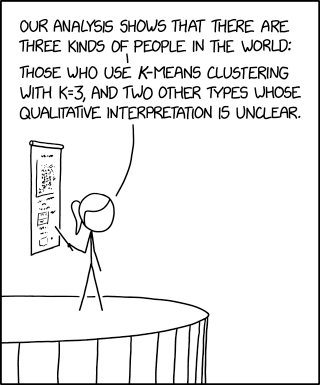
K-Means Clustering
 ⌘ Read more
↳
In-reply-to
»
@prologic I am not seeing some of my previous interactions. This one is an example: https://twtxt.net/conv/svvpd3a
⤋ Read More
@bender@twtxt.net You mean @eaplmx@twtxt.net’s reply didn’t show up in your mentions? 🤔
https://letsdecentralize.org y https://landchad.net tutoriales simples y útiles.
https://letsdecentralize.org y https://landchad.net tutoriales simples y útiles.
@prologic@twtxt.net I am not seeing some of my previous interactions. This one is an example: https://twtxt.net/conv/svvpd3a
user/bmallred/data/2023-01-29-08-37-46.fit: 6.35 miles, 00:08:43 average pace, 00:55:22 duration
Fixing passwd(1) broken by PAM — https://dbohdan.com/passwd-pam-fix
user/bmallred/data/2023-01-27-09-51-06.fit: 4.09 miles, 00:12:39 average pace, 00:51:43 duration
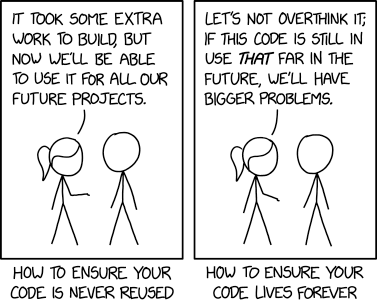
Code Lifespan
 ⌘ Read more
user/bmallred/data/2023-01-26-08-58-43.fit: 3.01 miles, 00:09:59 average pace, 00:30:07 duration
user/bmallred/data/2023-01-25-16-24-10.fit: 2.17 miles, 00:06:30 average pace, 00:14:06 duration
user/bmallred/data/2023-01-25-08-38-39.fit: 7.03 miles, 00:09:44 average pace, 01:08:25 duration
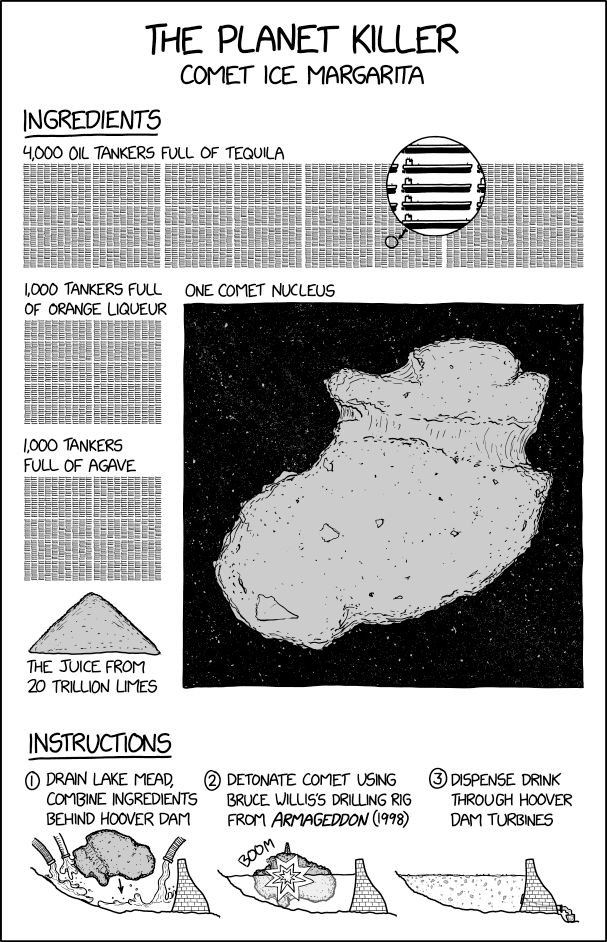
Planet Killer Comet Margarita
 ⌘ Read more
Ayer escuché el Lux Æterna by Metallica, https://yewtu.be/watch?v=_u-7rWKnVVo
Ayer escuché el Lux Æterna by Metallica, https://yewtu.be/watch?v=_u-7rWKnVVo
user/bmallred/data/2023-01-24-13-03-29.fit: 3.00 miles, 00:10:19 average pace, 00:31:01 duration
user/bmallred/data/2023-01-24-09-00-20.fit: 4.03 miles, 00:12:31 average pace, 00:50:25 duration
Managing tests (breaking them, fixing them) in my map for code: https://merveilles.town/@akkartik/109742488349122478
user/bmallred/data/2023-01-23-19-30-59.fit: 3.10 miles, 00:09:43 average pace, 00:30:08 duration
user/bmallred/data/2023-01-23-08-56-11.fit: 2.99 miles, 00:09:54 average pace, 00:29:33 duration
Lane Change Highway
 ⌘ Read more
https://iptv-org.github.io y https://kodi.tv son par de maravillas que vale checar.
https://iptv-org.github.io y https://kodi.tv son par de maravillas que vale checar.
↳
In-reply-to
»
@prologic @movq this is the default behavior of
⤋ Read More
pass on my machine:
@abucci@anthony.buc.ci So.. The issue is that its showing the password by default? Would making an alias to always include the -c help? We can probably engage Jason with a PR to enable a more hardened approach when desired. I’ve spoken to him before and is generally a pretty open to ideas.
I found this app that was created by the gopass author that does copy by default and has a tui or GUI mode https://github.com/cortex/ripasso
@prologic@twtxt.net @movq@www.uninformativ.de this is the default behavior of pass on my machine:
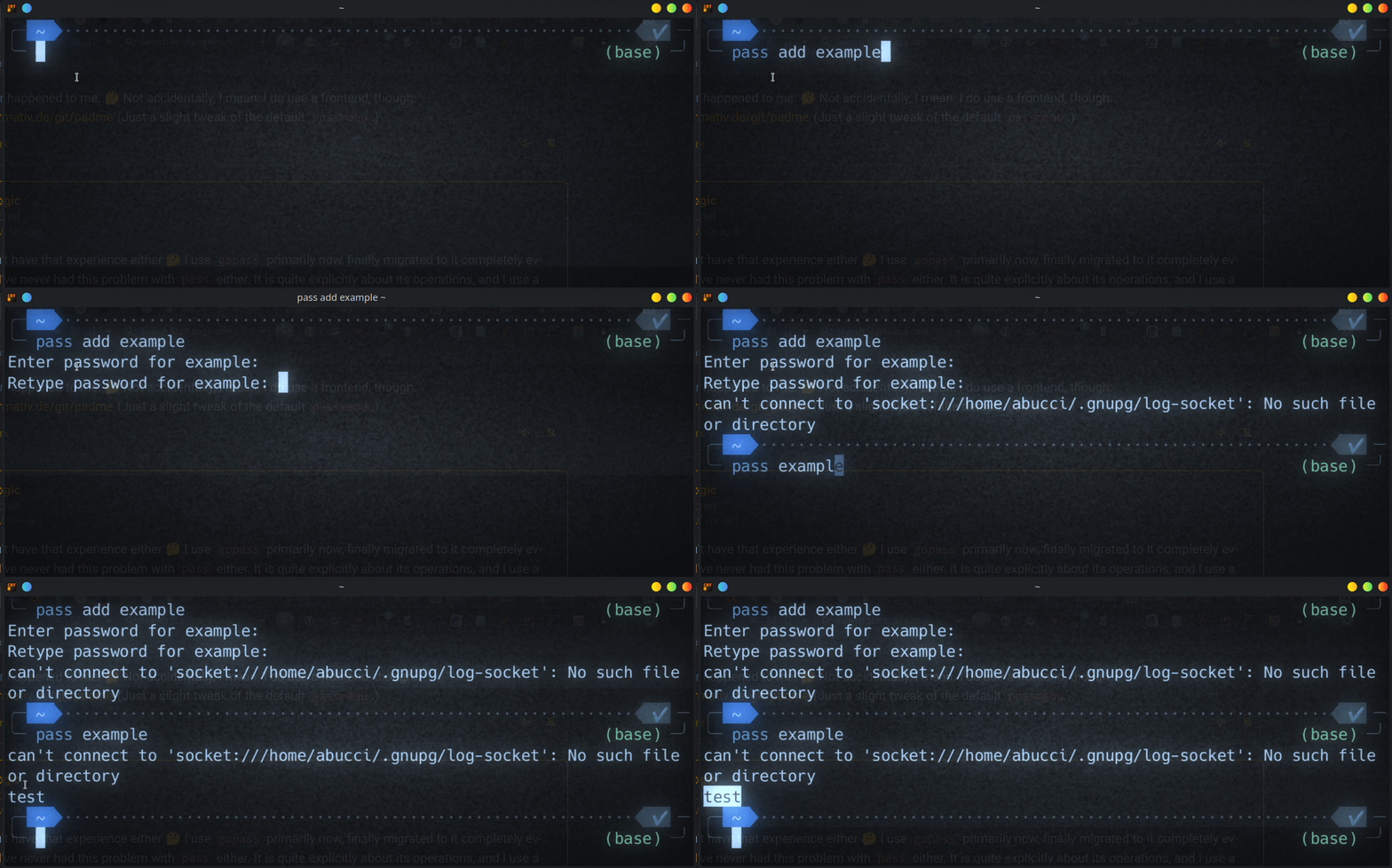
I add a new password entry named example and then type pass example. The password I chose, “test”, is displayed in cleartext. This is very bad default behavior. I don’t know about the other clis you both mentioned but I’ll check them out.
The browser plugin browserpass does the same kind of thing, though I have already removed it and I’m not going to reinstall it to make a movie. Next to each credential there’s an icon to copy the username to the clipboard, an icon to copy the password to the clipboard, and then an icon to view details, which shows you everything, including the password, in cleartext. The screencap in the Chrome store is out of date; it doesn’t show the offending link to show all details, which I know is there because I literally installed it today and played with it.
user/bmallred/data/2023-01-20-08-55-41.fit: 6.28 miles, 00:09:17 average pace, 00:58:13 duration